Nook for Business · free for cafe owners
Claim your cafe on Nook. Keep every detail right.
People use Nook to find a cafe with Wi-Fi, outlets or a late closing time. Claim your listing to keep your hours, menu and photos accurate, and see how often people find you.
Can't find your cafe? Add it to Nook
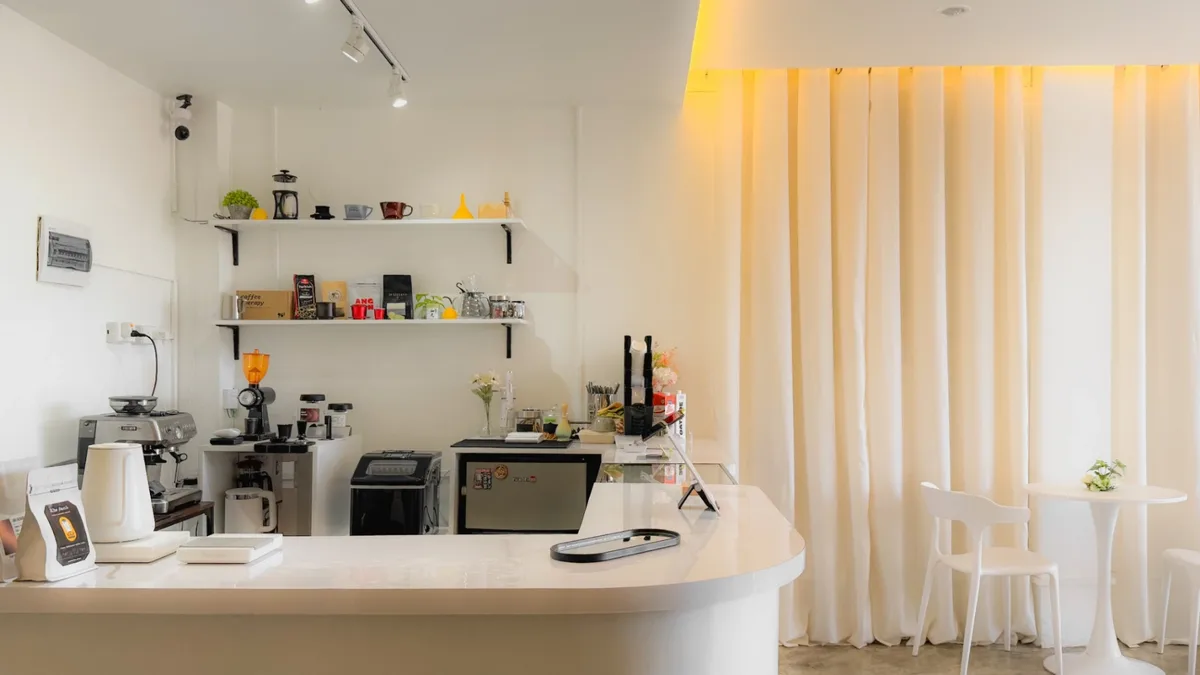
Your cafe
Open until 10:00 PM
50+
cafes listed across Metro Cebu, from Cebu City to Lapu-Lapu
28
tags people filter by, from Free WiFi to Late Night
Free
to claim your cafe and keep its listing up to date
Everything people check before they head over.
Most people pick a cafe from its listing. The owner portal puts the parts they check first in your hands.
Hours & details
Wrong hours send people to a locked door. Set your hours day by day, mark the days you're closed, and keep your description and socials current.
- Opening hours for each day
- Closed days
- Cafe name and description
- Instagram, Facebook, TikTok and website
- Address or map pin corrections, sent to our team
Menu & prices
Prices are one of the first things people check. Add your items under categories with prices and photos, so nobody has to guess.
- Items with prices
- Categories
- Item photos
- Edit or remove items anytime
Photos
Your photos, not whatever someone snapped on a busy day. Pick the hero shot that leads your listing and fill the gallery behind it.
- A hero photo at the top of your listing
- A photo gallery
Tags
People filter by what they need: Wi-Fi, outlets, parking, a quiet table. Choose from the same 28 tags they filter by, so you appear in the searches you should.
- Amenities like Free WiFi and Power Outlets
- Best-for tags like Solo Work / Study
- Payment options: cash, card, e-wallet
Reviews & traffic
See what people say and how they use your listing. Read every review, report the ones that break the rules, and check your 30-day numbers.
- Every review in one place
- Report reviews to our team
- Profile views and route requests
- Times saved and hours checked
From search to verified owner.
We confirm ownership through your cafe's official Instagram, so only the real owner can change your listing.
Step 1
Find your cafe
Search for your cafe by name and pick it from the list. Sign in with Google or your email to start the claim.
Step 2
Send us your code
You'll get a verification code. Send it to @nook_cafefinder from your cafe's official Instagram account. We don't accept personal accounts.
Step 3
Get approved
Our team checks the message and approves your claim, and your owner portal opens. Your code stays valid for 7 days.
Questions owners ask.
Can't find your answer?
Message the Nook team on Instagram. It's the same account you'll send your verification code to.
Does it cost anything?
No. Claiming your cafe and managing your listing is free. Some extras, like more photo slots, may come later as optional upgrades.
How do you check that I own the cafe?
After you start a claim, we give you a verification code. Send it to @nook_cafefinder from your cafe's official Instagram account. Our team matches the code to your claim and approves it. Messages from personal accounts aren't accepted.
How long does approval take?
A person on our team reviews every claim after your message arrives. You can check progress anytime on the claim status page. Your code stays valid for 7 days, so there's no rush to send it.
My cafe isn't on Nook. Can I add it?
Yes. Search for it above, and if it isn't there, choose "Add your cafe to Nook". You'll give its name, address and Instagram, then verify it's yours the same way as a claim. It stays hidden until you've set up your page and we've published it.
What can I change once I'm approved?
Your cafe's name, description, daily hours, closed days and social links; your menu with prices; your photos; and your tags. For a wrong address or map pin, send a correction from the Edit Listing page and our team will fix it.
Can I remove a bad review?
No. Reviews belong to the people who wrote them. If a review breaks the rules, report it from your Reviews page and our team will look at it.
Where does my listing appear?
On the Nook website at nookph.app and in the Nook iPhone app, where people search, filter by tags and browse the map.
Find your cafe. Make the listing yours.
Search for your cafe, get your verification code, and send it from your cafe's Instagram. That's the whole process.